

Good video games are built for players who are stressed, distracted and in a hurry. Something is chasing them, the clock is running, and they still need to find the exit, check their health and pick the right item without opening a manual. Game designers spend years making sure people can do that without thinking about the interface at all.
A person landing on a criminal defense website is often in a similar state, minus the fun. A family member was arrested a few hours ago, or a court date arrived in the mail, and they are trying to work out on a phone whether this firm can help and how to reach it. This guide looks at the user experience (UX) habits game designers rely on and how they apply to the navigation of a defense firm’s website.
What this guide covers
- Designing for a stressed visitor the way games design for a stressed player
- A “HUD” that keeps the phone number and next step in view
- Shallow menus that group charges and courts clearly
- Signposts, breadcrumbs and knowing where you are
- Feedback after a form is sent, and responsiveness on phones
- Accessibility, testing, and why points and badges don’t belong here
Design for the player who is under pressure
Game designers assume the player’s attention is split. During combat or a timed level, the screen shows only what matters right now, and everything else waits. Designers call this reducing cognitive load: the less someone has to think about the interface, the more attention they have for the task.
A defense website should start from the same assumption. The visitor is upset, possibly reading in a jail lobby or a parked car, and wants three things quickly: whether you handle this kind of case, whether you work in this court, and how to talk to someone now. Every element on the first screen either helps with those questions or competes with them. Sliders, autoplay video, long mission statements and pop-ups asking for an email address all compete.
Build a HUD: what never leaves the screen
In most games a heads-up display (HUD) shows a few pieces of information at all times, such as health, ammunition or a mini-map. Designers fight to keep the HUD small, because anything shown permanently has to earn its place.
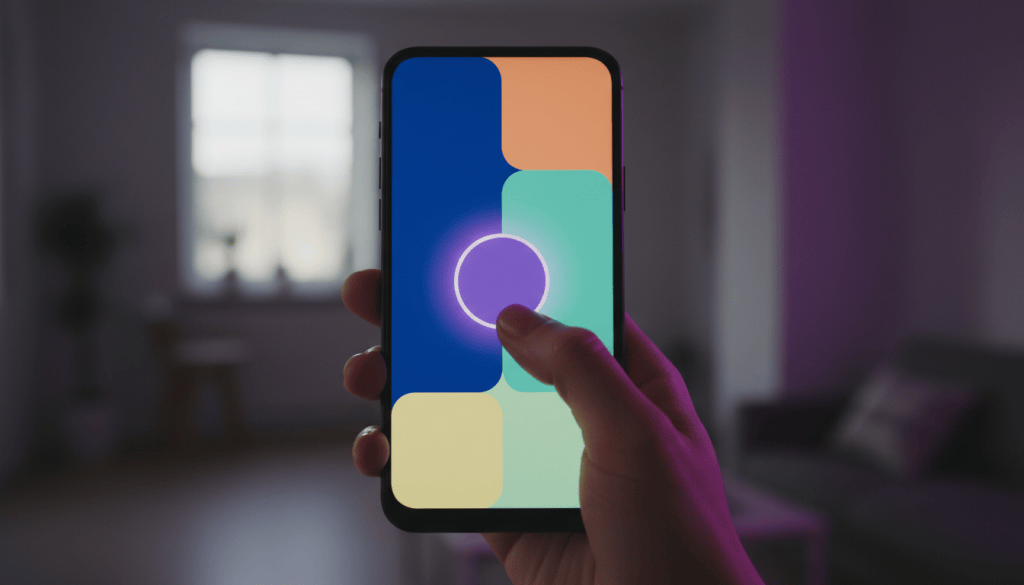
A defense firm’s website needs a HUD too, and on a phone it is usually a sticky header or a bar at the bottom of the screen. Keep it to the essentials:
- A tap-to-call button with the number in plain text
- A short way to send a message, such as a link to a contact form
- Possibly one line saying when someone answers, if that is accurate
Test it on a real phone. The button should stay visible while the visitor scrolls, never cover the content they are trying to read, and be large enough to hit with a thumb. The Web Content Accessibility Guidelines (WCAG) 2.2, published by the W3C in 2023, set a minimum target size of 24 by 24 CSS pixels for most controls at the AA level, and many designers go bigger for primary buttons.
Keep the menu shallow
Game menus that work well are shallow. You can reach the setting you want in two or three moves, and the labels say what they are: Continue, Settings, Quit. Nested menus with clever names are a common complaint in game reviews.
Defense firm navigation goes wrong in a familiar way. The top menu has eight items, one of them is “Practice Areas,” and under it sits a long, unsorted list of every charge the firm has ever handled. On a phone that list is a wall.
A simpler structure usually works better:
- Charges, grouped into a few plain sections such as DUI, drug charges, violent offenses, theft and white-collar, and record clearing
- Courts or locations, if you appear in more than one county
- About, with attorney bios
- Contact
Use the words clients use. “DUI” is better than “Impaired driving matters,” and “Expungement” or “Record sealing,” whichever your state uses, is better than “Post-conviction relief” for most visitors. If you need the formal term for accuracy, put it on the page itself, not in the menu label.
Signposts and knowing where you are
Games rarely leave players lost for long. A quest marker points to the next objective, the map shows where you are, and a glowing doorway says “this way.” Good level design also makes the main path obvious without any markers at all, through light and layout.
Websites have their own signposts:
- Breadcrumbs at the top of each page, such as Home, then DUI, then Second DUI, so visitors always know where they are. Google’s Search Central documentation explains how to mark them up with structured data, and Google still shows the trail in desktop results, although it stopped showing breadcrumbs in mobile results in early 2025.
- A clear next step at the end of every charge page, such as a short section on what to do now and a call button.
- Related links between pages that belong together, for example from a DUI page to a page about the license hearing that often runs alongside the criminal case.
- Consistent page layouts, so once a visitor has read one charge page they know where to look on the next.
A page with no obvious next step is the website version of a dead-end corridor. Visitors turn around and leave.
Feedback after every action
When a player presses a button in a game, something happens immediately: a sound, an animation, a change on screen. Without that feedback players press again, assume the game is broken, or give up.
Websites fail at this more often than they should. Someone fills in a contact form at midnight, presses send, and the page reloads with no message. Did it work? Will anyone call? Some people try again, some call another firm.
After a form is sent, show a plain confirmation that says what happens next and when, but only promise what the firm actually does. Send an automatic email confirmation if your system allows it. Keep forms short, too. Games save progress so a player doesn’t lose an hour of work. A contact form that clears every field because one entry was formatted wrong does the opposite, and on a phone that is often the end of the visit.
Input lag and page speed
Players notice input lag at once, the delay between pressing a button and seeing the result. It makes a game feel broken even when everything else is fine.
Google measures something similar on websites. Interaction to Next Paint (INP), which took the place of First Input Delay in Google’s Core Web Vitals in March 2024, looks at how quickly a page responds when someone taps or clicks. Largest Contentful Paint measures how quickly the main content appears, and Cumulative Layout Shift measures whether things jump around while the page loads. On defense sites the usual causes of trouble are heavy chat widgets, several tracking scripts, large hero images and video backgrounds. Google Search Console reports these measures for free, so you can see which pages need work.
Accessibility is part of the design
Many recent games include large accessibility menus: subtitles, adjustable text size, color settings for color-blind players and controls that can be remapped. Designers treat these as part of making the game playable, not as an extra.
A defense firm’s visitors include people reading on cracked phone screens, older relatives, people with low vision and people using screen readers. Some practical checks:
- Text has strong contrast against its background and can be enlarged without breaking the layout.
- Buttons and links have clear labels, so a screen reader announces “Call the office” rather than “Click here.”
- Images that carry meaning have alt text.
- Menus and forms work without a mouse, using only the Tab and Enter keys.
WCAG 2.2 is the standard most accessibility audits use. Following it makes the site easier for everyone, including the stressed visitor holding a phone in one hand.
Playtest with real people
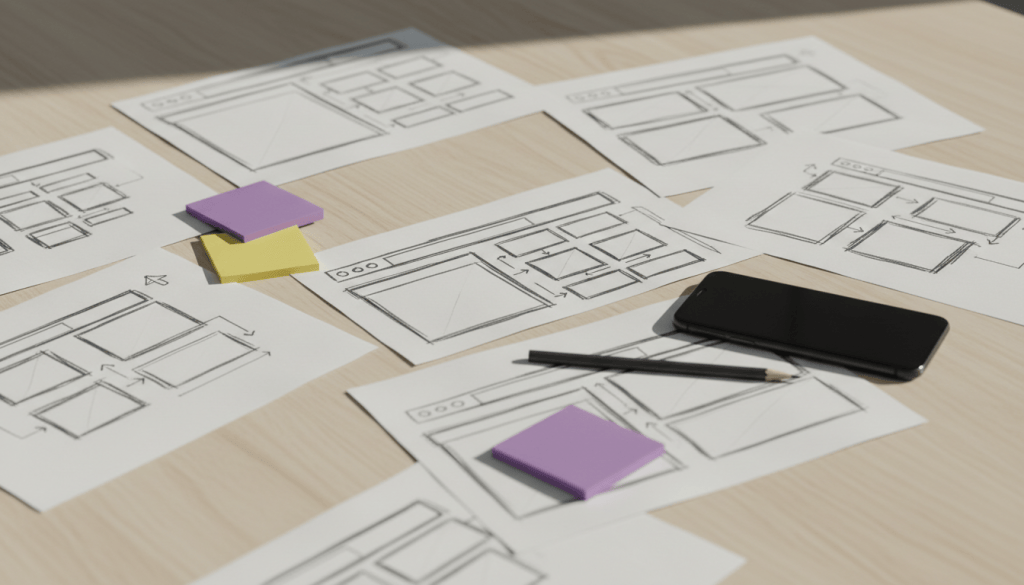
Game studios watch people play before release, and they learn more from watching someone get stuck than from any internal meeting. The designers already know where everything is, which makes them the worst possible testers.
You can do a small version of this. Ask a few people who don’t work at the firm to find specific things on your site using their own phones: the page for a second DUI, the courts you cover, how to send a message after hours. Don’t help them. Note where they hesitate, scroll back or give up. Those moments are your navigation problems.
Leave the points and badges in the game
Gamification usually means adding points, badges, streaks and leaderboards to things that are not games. It can work for a fitness app or a language course. It does not belong on a criminal defense website. People there are dealing with arrests, jail and possible convictions, and anything that feels playful will read as careless.
What does carry over is the quieter craft underneath: clear goals, visible progress and steady feedback. A multi-step intake form with a simple “Step 2 of 3” indicator borrows from games in a useful way. A quiz that awards a badge for finishing your DUI page does not.
Questions defense lawyers ask about website navigation
How many items should our main menu have?
There is no fixed number, but most defense sites work well with four to six top-level items. If visitors need to scan a long list to find their charge, group the charges into sections.
Should the phone number be in the header on every page?
Yes. On phones especially, a visible tap-to-call button on every page is one of the most useful things a defense site can have.
Are chat widgets a good idea?
They can help if someone actually answers quickly. A widget that loads slowly, covers content or replies with canned messages often does more harm than good, so test it on a phone first.
Do breadcrumbs help with SEO?
They mainly help visitors understand where they are. Google also reads breadcrumb markup to understand how your pages fit together and shows the trail in desktop results, though mobile results now show only the site name.
This guide is part of SBD Marketing’s series on criminal defense marketing. SBD Marketing works only with criminal defense law firms, designing their websites and helping them get found in Google and AI search.
SBD Marketing · info@sbdmarketing.agency · Book a call: sbdmarketing.agency/scheduling · Serving criminal defense law firms across the USA · sbdmarketing.agency


Leave a Reply